CrowdStrike eCommerce
As Design Manager, I combined hands-on design and research skills with strategic leadership to deliver system-wide frameworks and establish and grow the design team. The projects outlined here demonstrate the breadth of my work at CrowdStrike and design initiatives that had widespread organizational impact. Some key results from my team’s efforts:
Launched mobile-first public app store enabling self-serve purchase of apps and integrations
Boosted customer acquisition and revenue through targeted onboarding experiences
Accelerated time-to-launch by integrating research, design, and QA into Agile development lifecycle
Public Marketplace Launch and Iteration
I focused on instituting collaborative Agile best practices, visual and interaction design, and content strategy to create a public-facing app store.
Working alongside cross-functional teams I directed the design of critical functionality offering users the ability to research, try, and buy CrowdStrike apps and partner integrations.
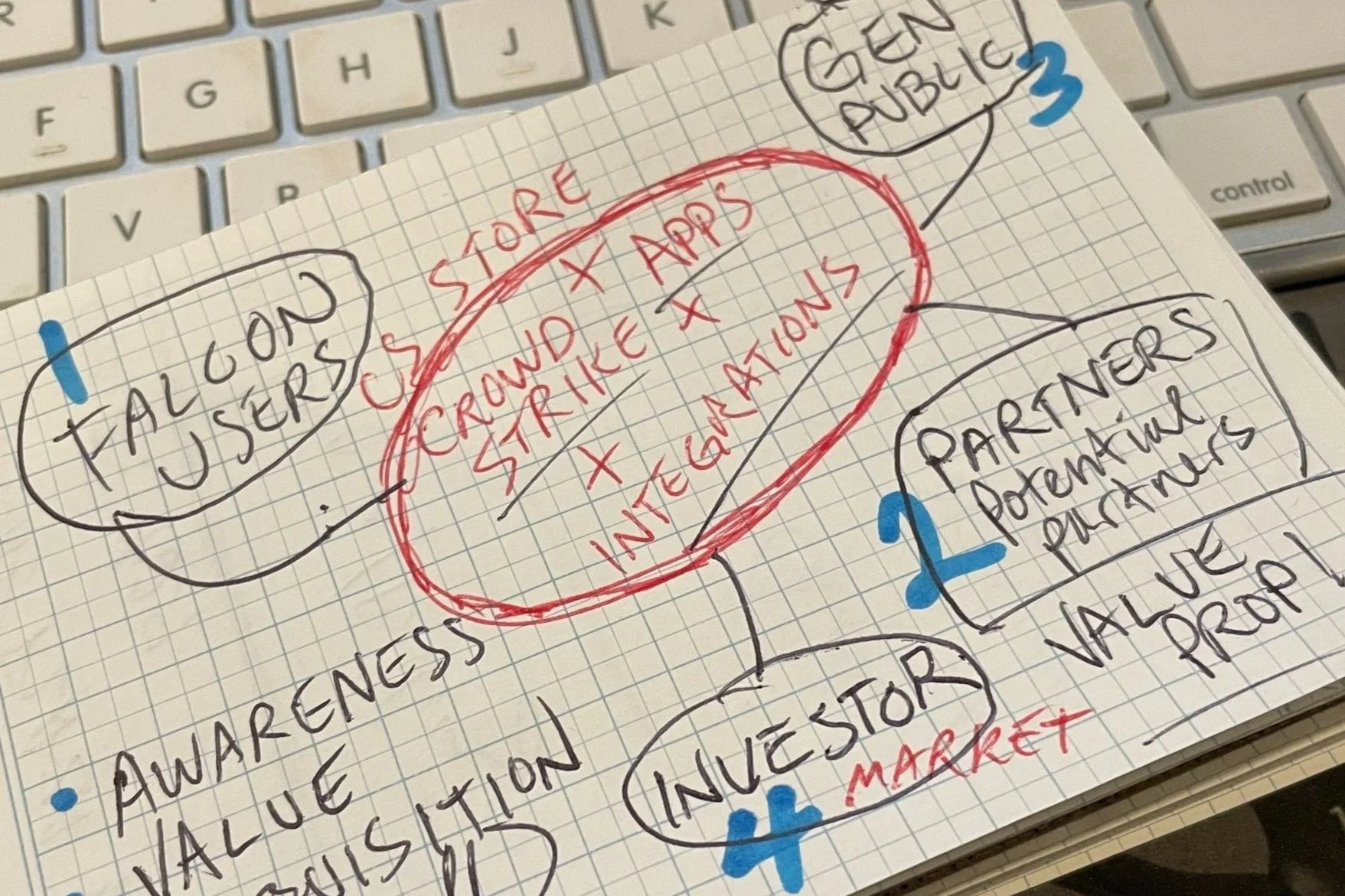
I began with sketches like this, identifying key consumer groups and messaging pillars which helped the team stay focused on funnel messaging and content priorities.
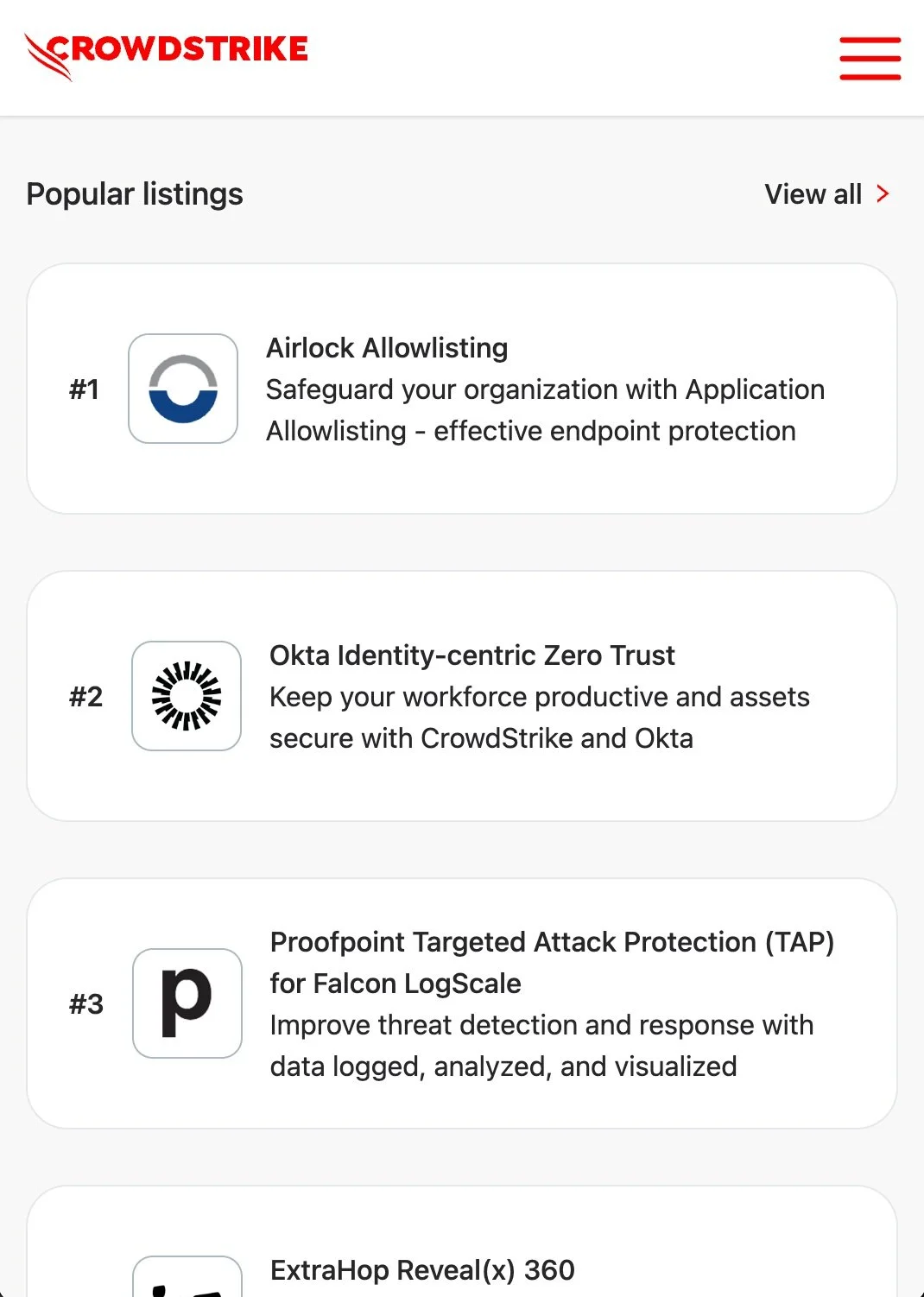
We built CrowdStrike's store site to give people modern eCommerce functionality and a mobile-friendly, familiar browsing experience.
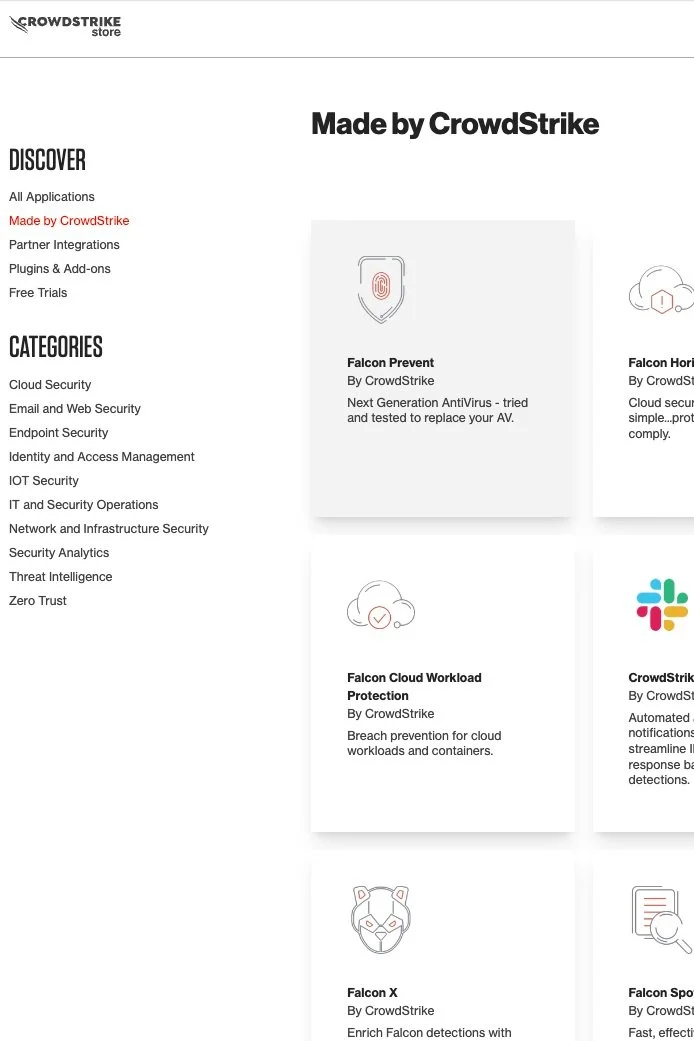
I defined information architecture and created content guidance that allowed users to browse categories and scenarios most relevant to their enterprise security objectives.
Onboarding Trial Users to the CrowdStrike Platform
Working with external vendors and colleagues from Growth, Brand, and Engineering, I Implemented custom visual design and content to quickly build users’ confidence in CrowdStrike’s platform.
When the initiative demonstrated success, I established formal guidance and patterns enabling the extension of functionality across the CrowdStrike platform.
Key Results:
17% increase in trial to paid user conversion
Accelerated feature adoption by 30-50%
~20% reduction in setup/onboarding support calls
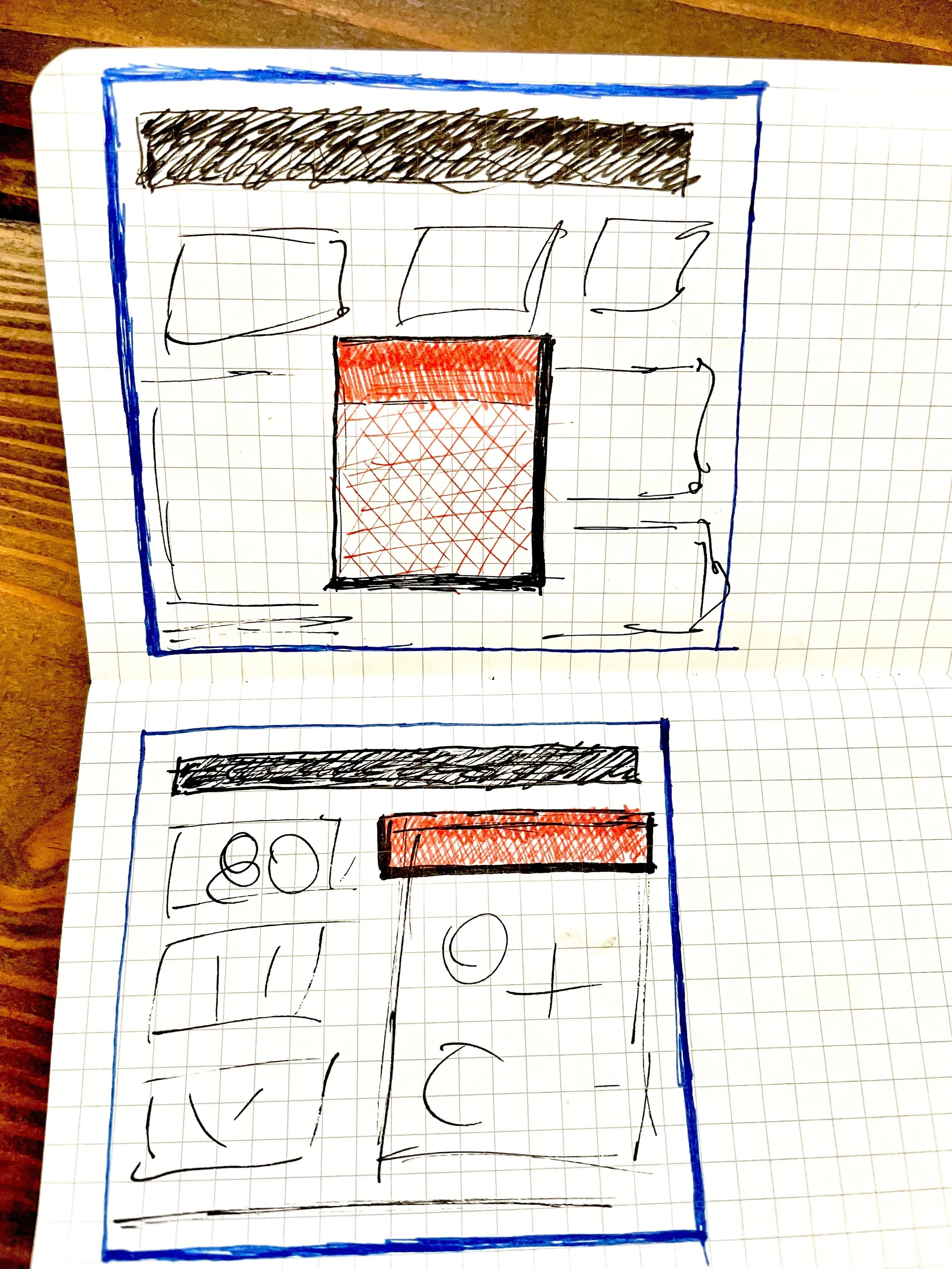
Early in the project I sketched some quick ideas to dial in the general prominence and positioning of the interactive onboarding elements.
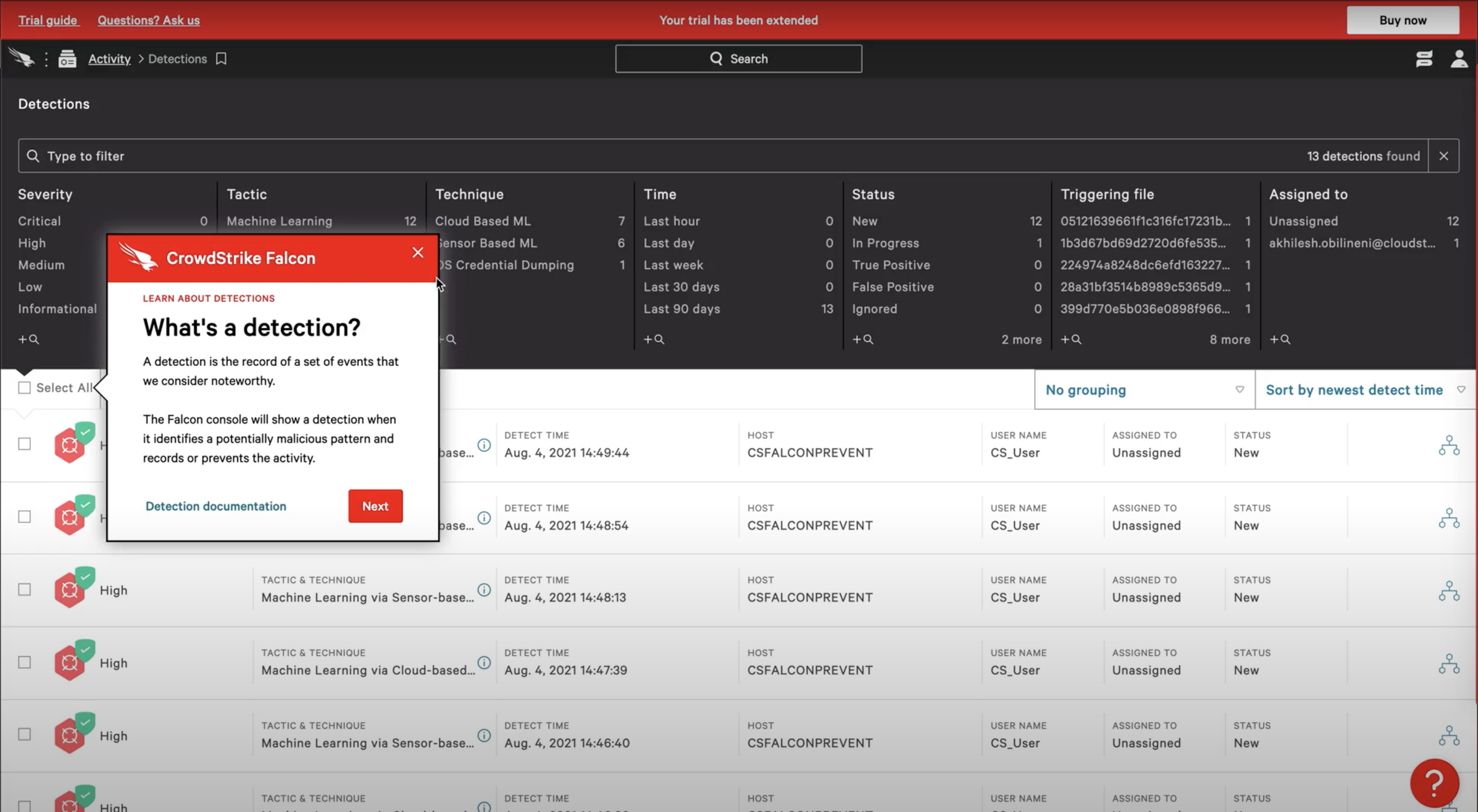
With input from Security and Engineering, we opted for an out-of-the-box design. Using the default Pendo tool display and element tagging capabilities as shown in this production screenshot.
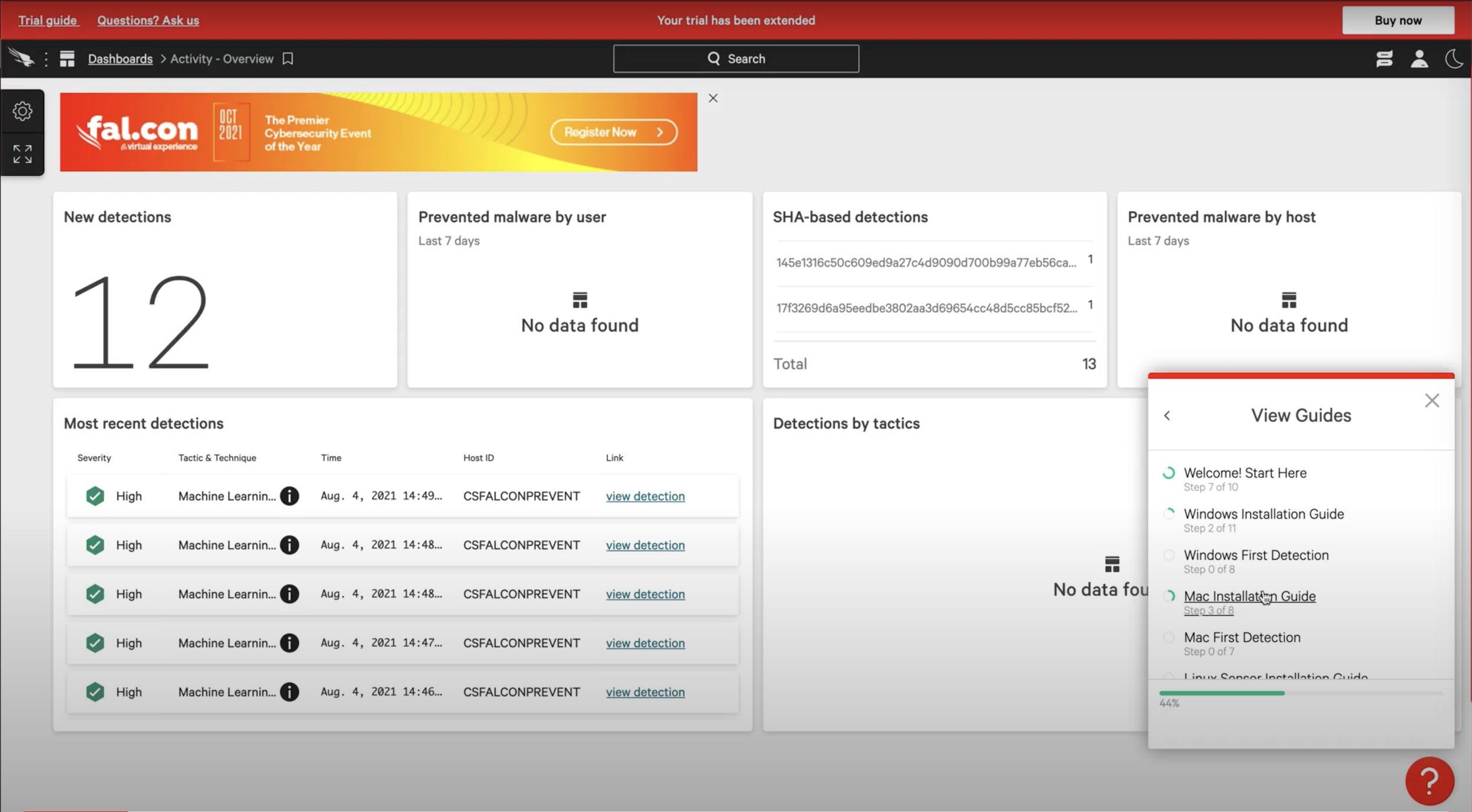
I made sure to keep users well informed of their progress and remaining options in our guidance content by using progress indicators and tables of content.
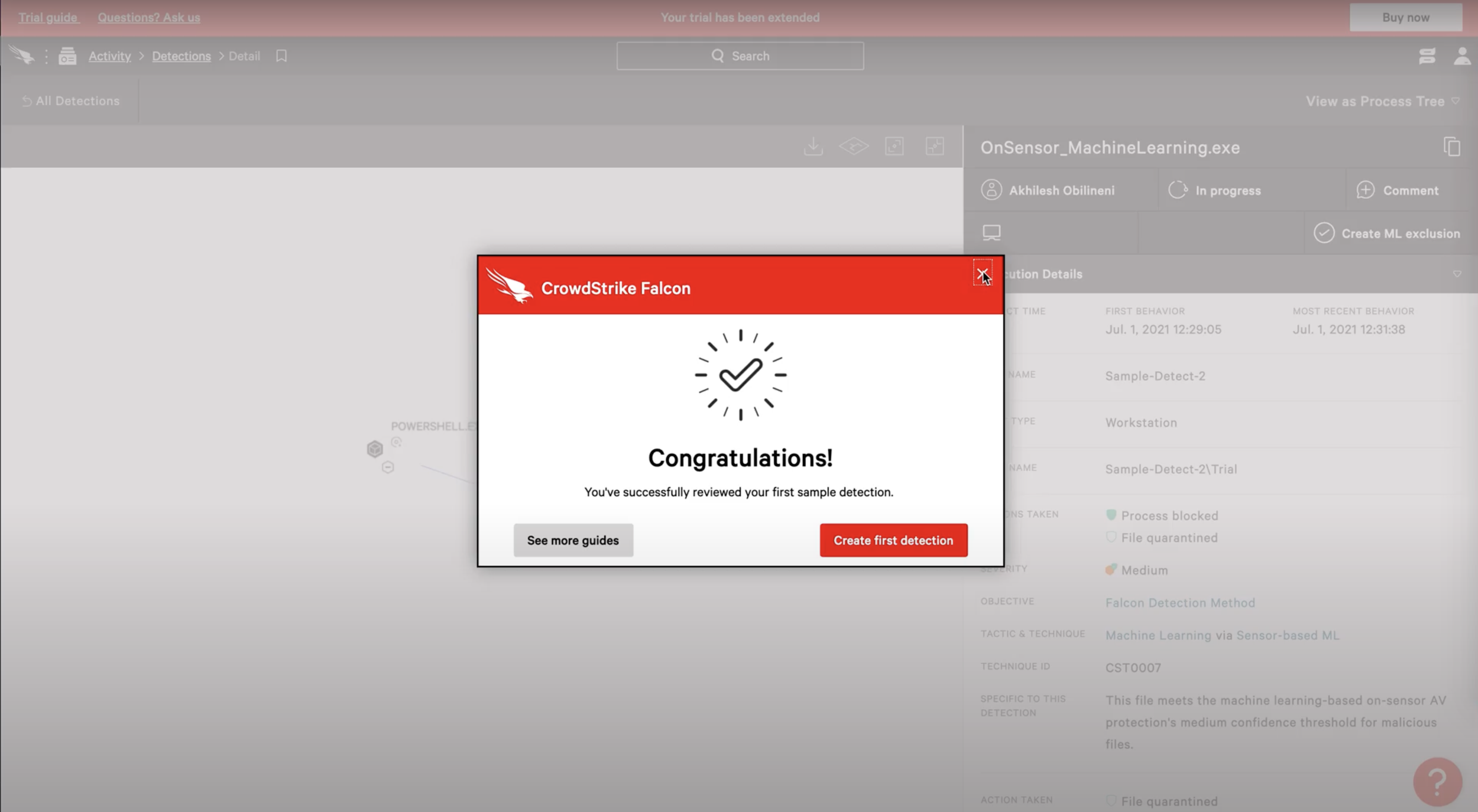
I also wanted to make sure users had solid confirmation of success and completion of each module along with a clear path to the next steps or additional information.
Critical Vulnerability In-App Alert Framework
I tackled this stretch project along with a core team of developers and product and security leadership.
Problem
No streamlined procedure for quickly getting information about critical vulnerabilities in front of our users.
Existing workflow took on average about 4 days to publish an alert and steps to remediate
Solution
Created new, categorized alert message designs
Defined internal workflow for requesting/approving an alert
Delivered faster and repeatable procedures for publishing and storing vulnerability alerts
Enabled same-day publishing of critical alerts
In a follow-up iteration, I created integrated design system upgrades and content guidelines that enabled the use of the alert banner and message center across departments, giving customers a cohesive user experience and internal peers a painless publication workflow.
NOTE: Live examples are proprietary and protected by my NDA. Shown below is some of the early concept work I created for the project
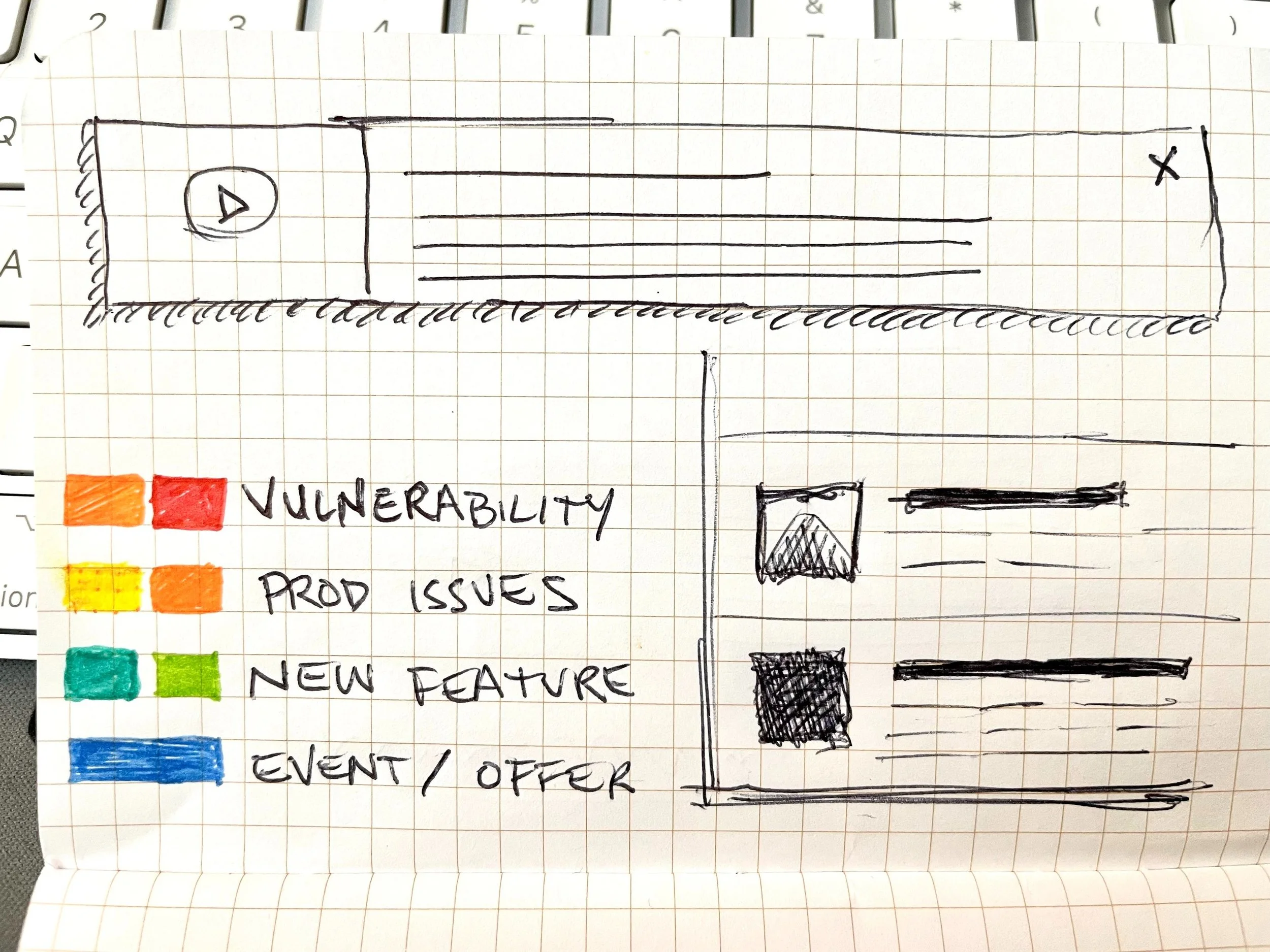
This is another project that started by sketching some ideas for classifying types of messages and simple interface layouts to accommodate various content.
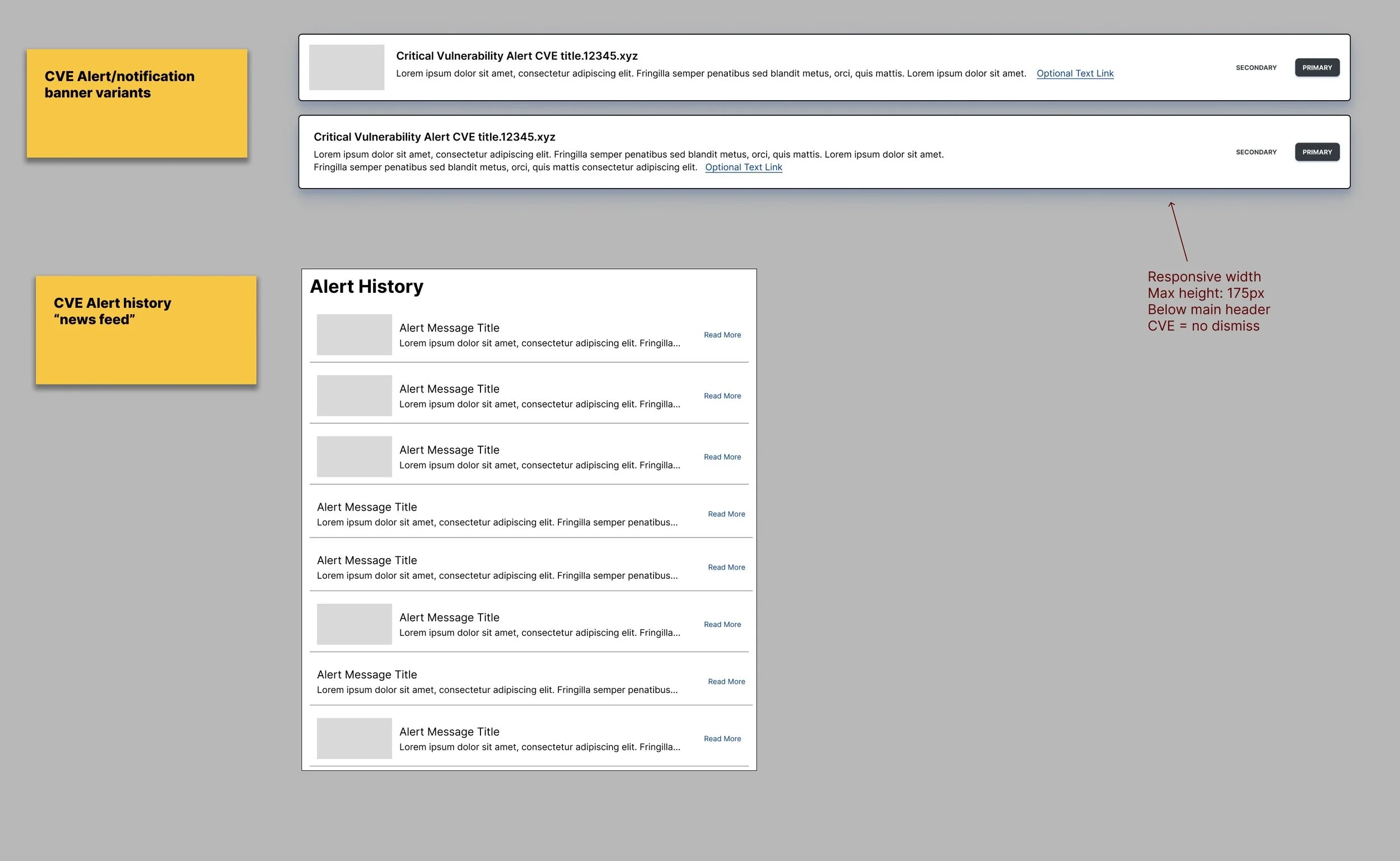
I went through numerous wireframes and prototypes to learn how we might surface critical notifications quickly.